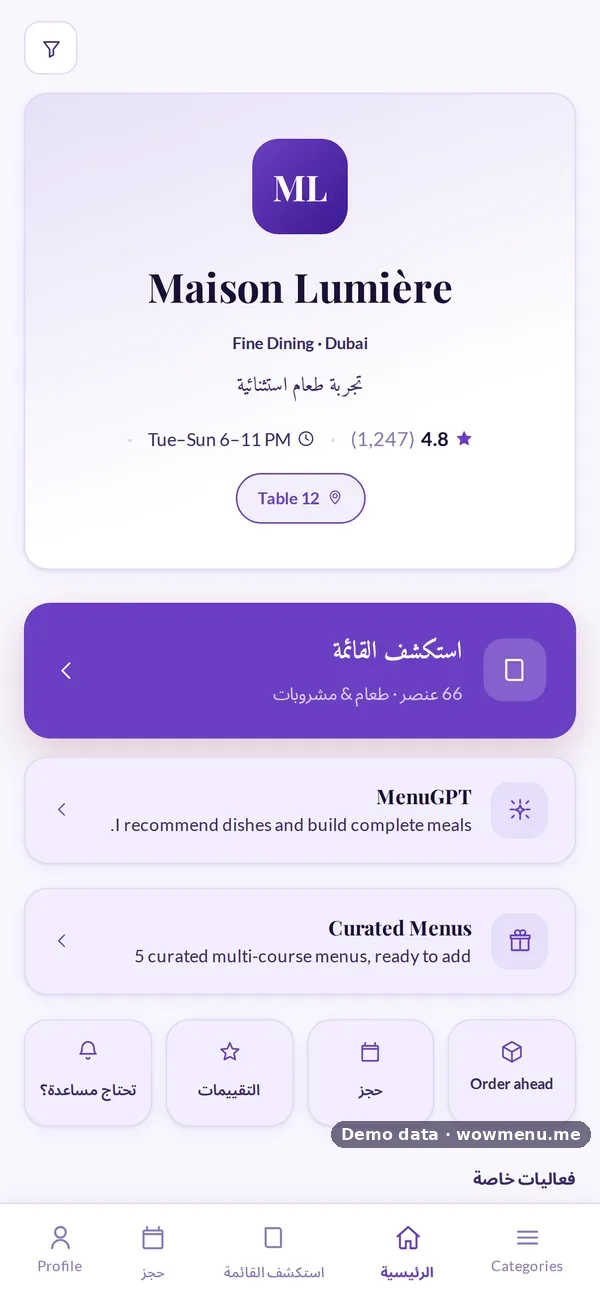
Allergen Information on Digital Menus: What to Show and How
Allergy questions are some of the most important a restaurant answers, and some of the easiest to get wrong under pressure. A digital menu can make allergen information clearer than a printed card, but only if the information is accurate and travels with the order to everyone who handles it.
1. Show allergens on every dish
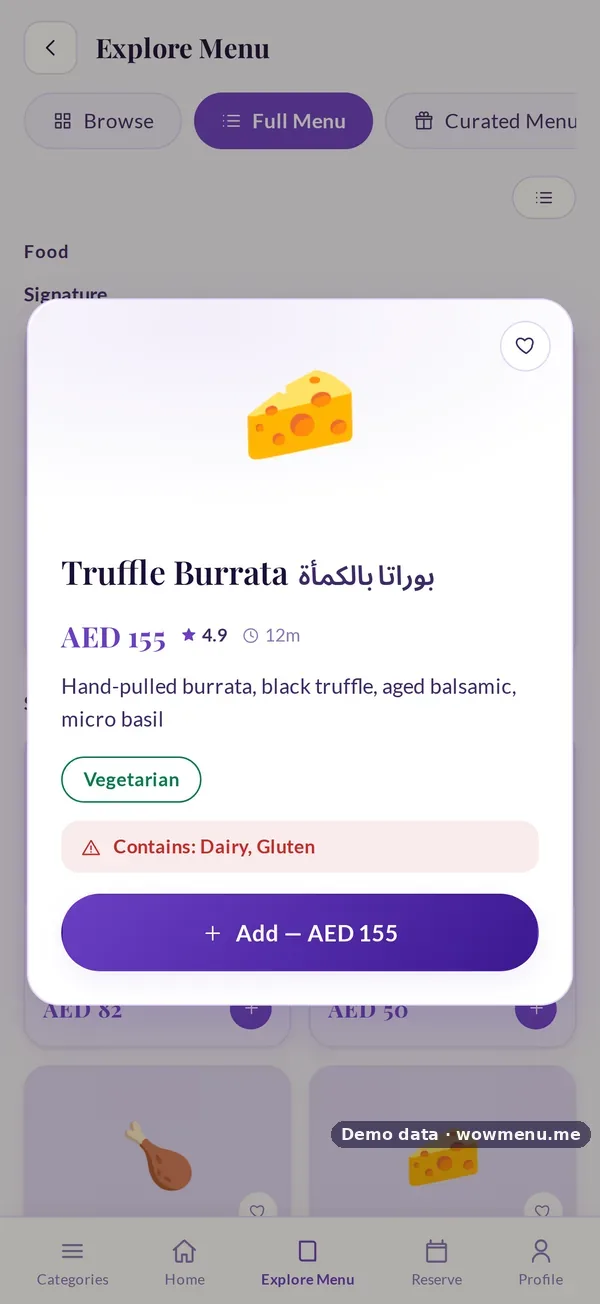
Each dish should list what it contains, not just carry a "may contain" footnote. On WowMenu, you set allergens per dish in the Owner Portal from nine allergen options, and guests see them on the dish detail.
2. Let guests filter
Guests with allergies should not have to open every dish. Filters narrow the menu, and dietary tags show at a glance. Dietary filters.
3. Put allergies on the order
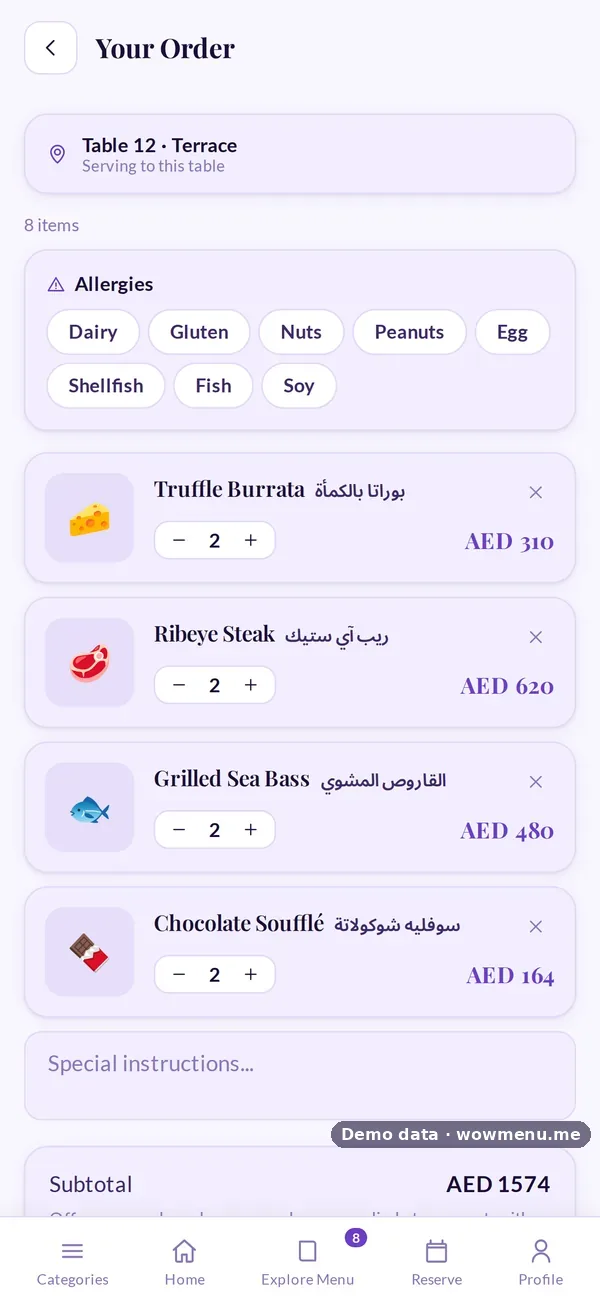
The guest marks their allergies on the order itself, so the information does not depend on someone remembering a conversation.
4. Remember regulars' allergies
A signed-in guest can save allergy alerts, which flag matching dishes across the menu on every visit. A regular with a nut allergy should never have to explain it twice.
5. Make sure it reaches the kitchen
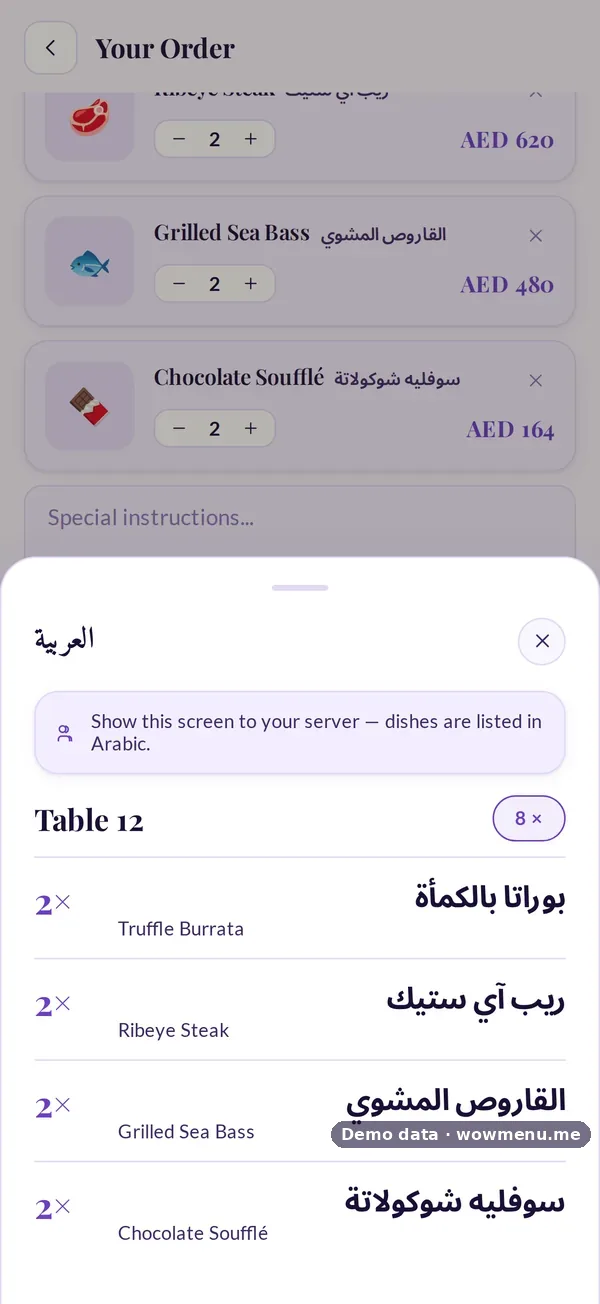
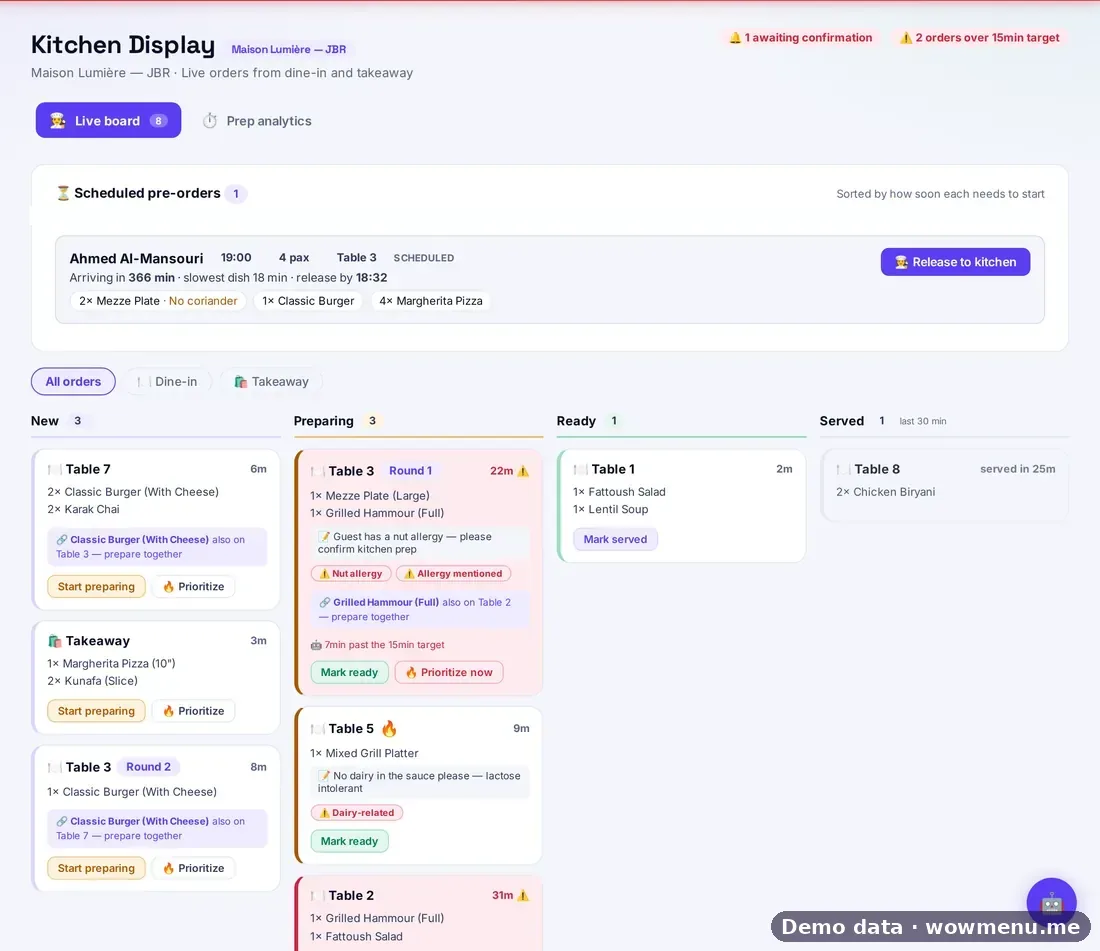
The order is only safe if the kitchen sees the allergy. Show to staff lists allergies for the server, and the kitchen display flags allergies picked up from the order, so the team can confirm before cooking.
Keep the data honest
- Update allergens whenever a recipe or a supplier changes
- Check prepared sauces and garnishes, not just the main ingredients
- Review the whole menu each season
- Train the team to confirm, every time
What to avoid
- Calling a dish "allergen-free" when you cannot guarantee it
- Leaving allergen fields blank, which guests may read as "none"
- Relying on the menu alone, without staff confirmation
See allergen information and the kitchen display.